Primary completion
Completed items leave the action list. When all primary items are done, a single green summary remains.
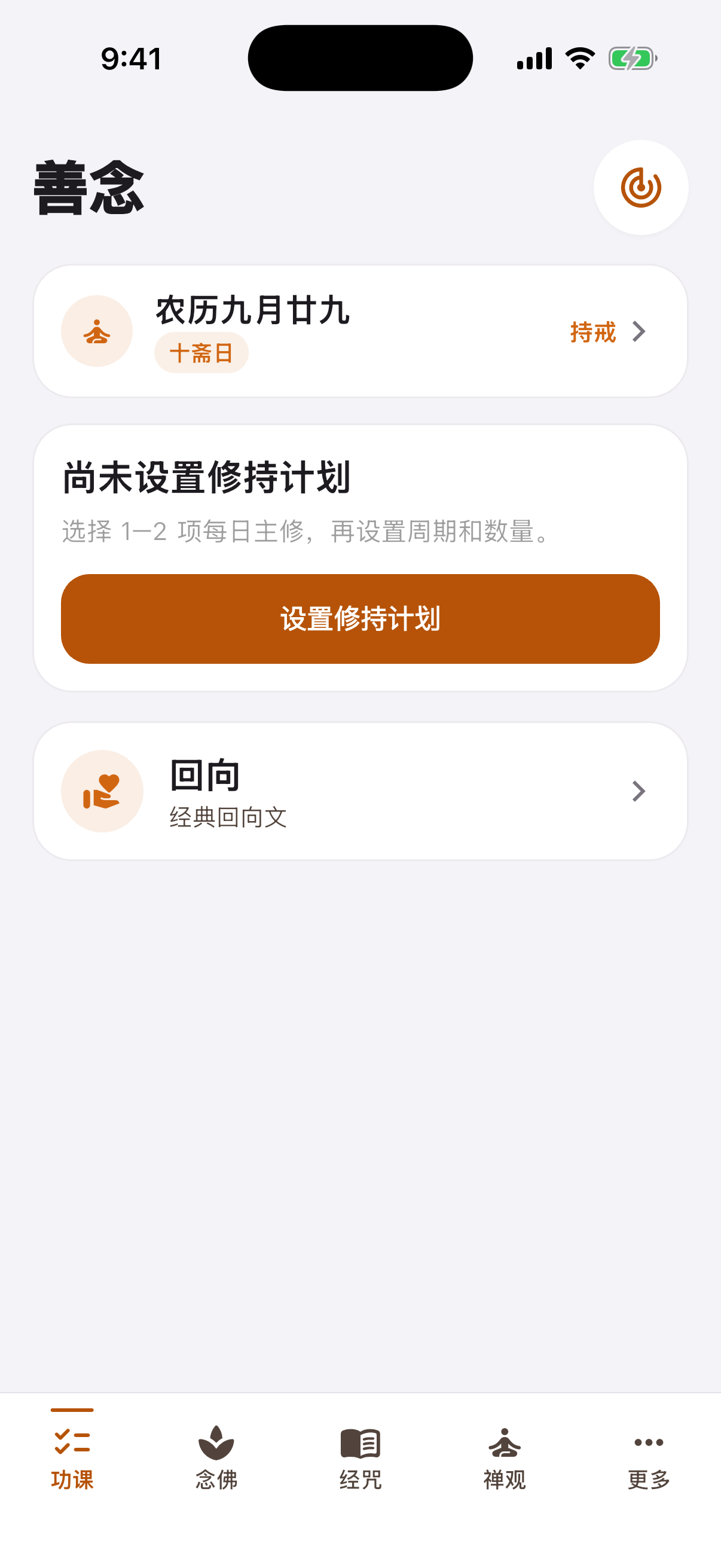
Build a clear daily rhythm for chanting, scriptures, meditation and dedication. No account is required, and your practice data stays on your device by default.
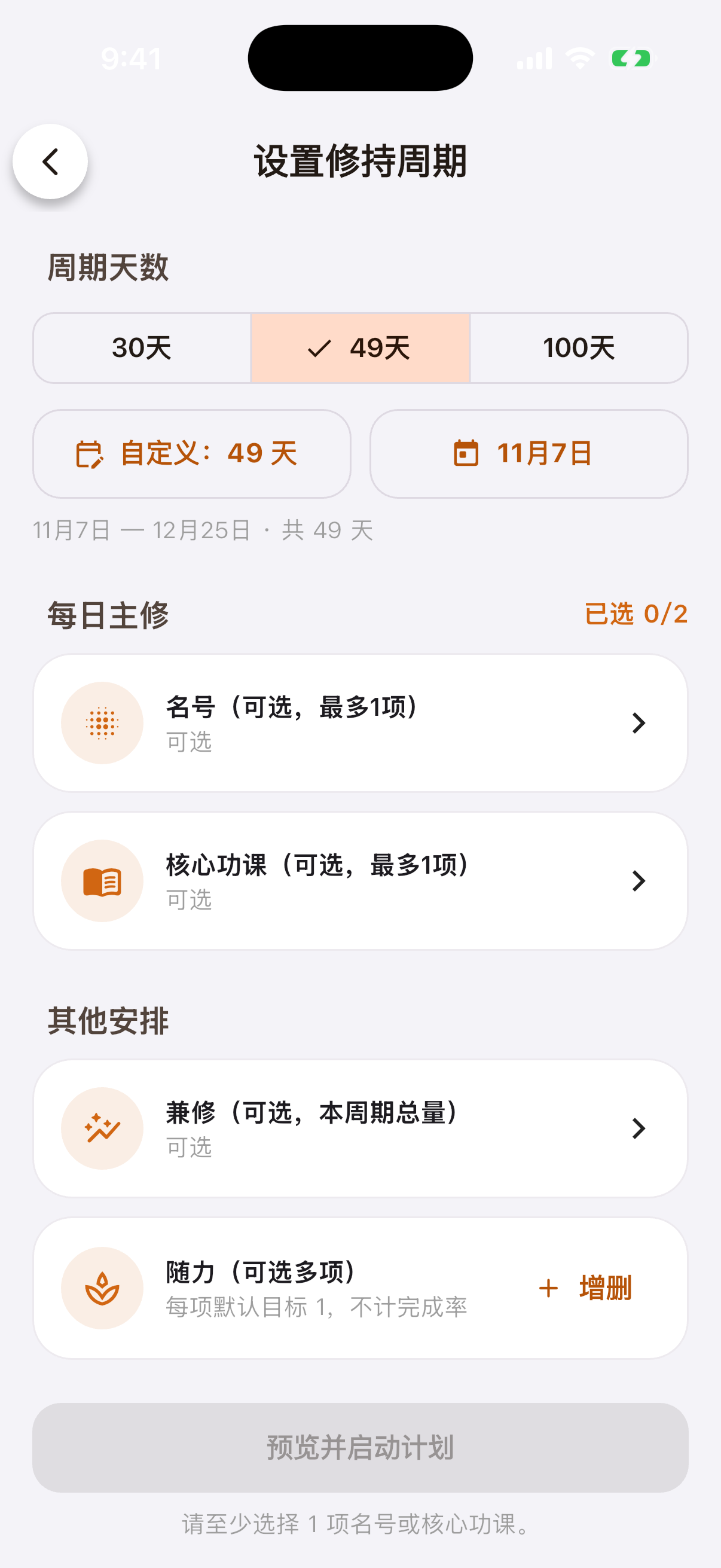
Shannian is not designed to turn practice into an ever-growing checklist. A steadier approach is to keep one or two primary practices as daily anchors, move supporting practices forward over a cycle, and do optional practices when time and energy allow.
Choose one or two practices you genuinely want to sustain every day. Other items never displace them.
Track long scriptures or time-bound practices by cycle total instead of forcing the same amount every day.
Practice when conditions allow. Optional items do not affect completion and do not create daily pressure.
A practice plan is an optional way to organize your rhythm, not a requirement. Without a plan, you can still open Chant, Scriptures or Meditation from the bottom bar and use all core functions.
The principle is simple: goals serve the practice; the practice does not serve the goals.
Completed items leave the action list. When all primary items are done, a single green summary remains.
Progress is judged against the cycle pace, so the app does not create artificial daily debt.
Up to three options are shown at once. Refresh to rotate them; completed items stay hidden for the day.
Starting a practice creates a timer from the current target. Once enough history exists, your own average time is used.
Reaching the timed target plays a completion sound. Editing or ending a plan does not delete practice records, scripture progress or personal averages.
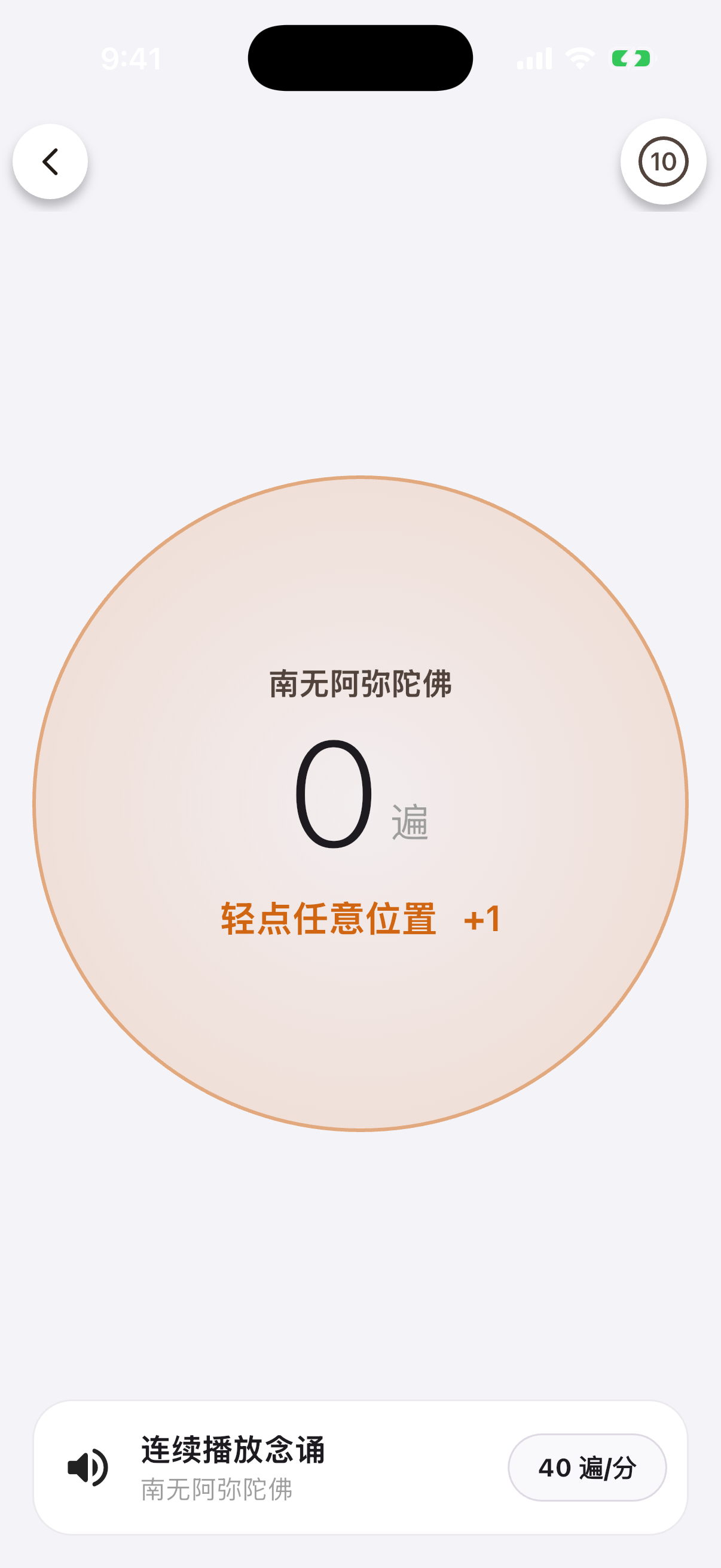
This feature follows the ten-recitation counting method taught by Master Yinguang: count each recitation from one through ten, while reciting clearly, counting clearly and listening clearly. If ten is difficult, use 5+5 or 3+3+4.
“⑩ +10” records a group you have actually completed; it does not replace the recitation itself.
Source: Reply to Layman Gao Shaolin, Letter Four. Read the Chinese source.
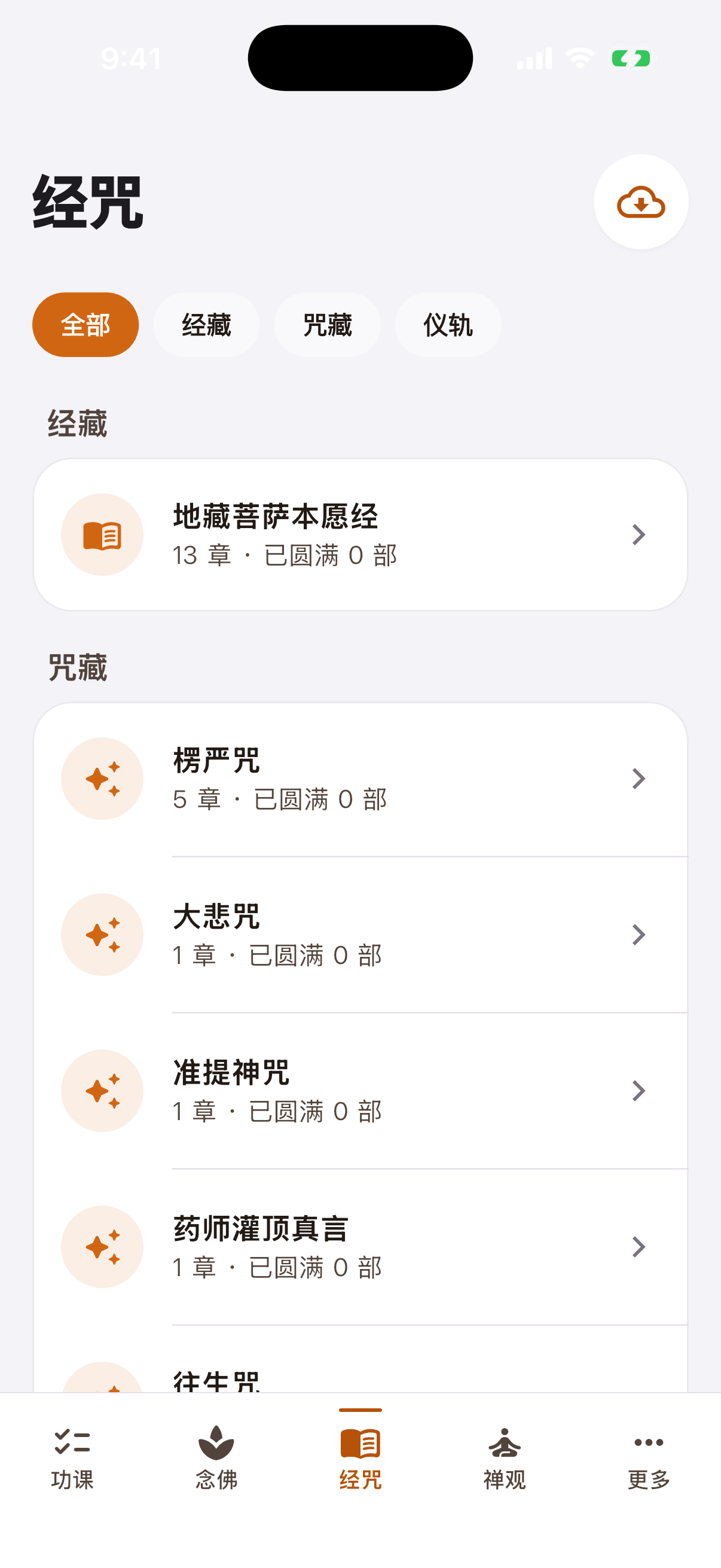
Read the segmented text without bookmarks or progress changes caused by scrolling.
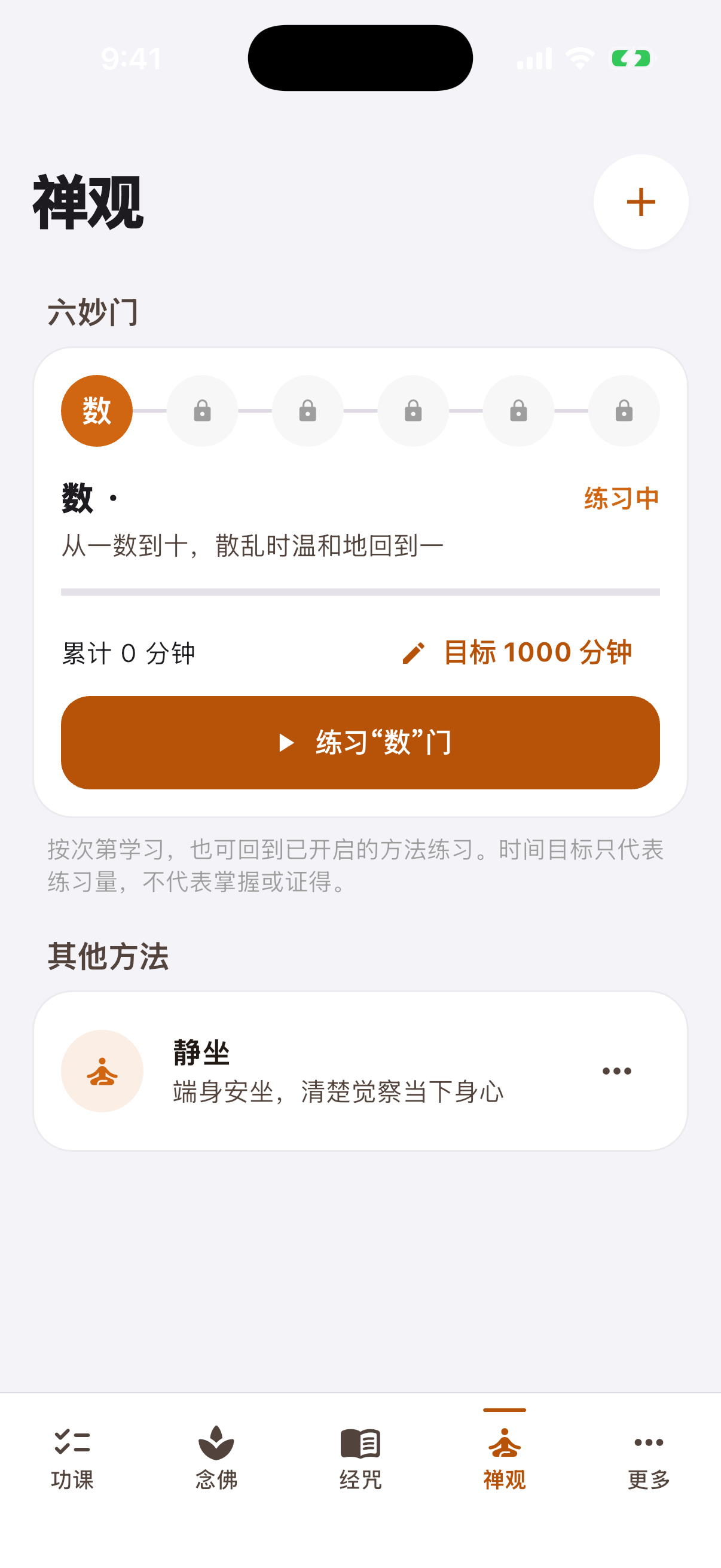
Move sentence by sentence, play the focused sentence, mark it memorized and keep notes by section.
Complete chapters, volumes or assemblies in order. Progress changes only when you explicitly mark completion.
Show character-level pinyin from the tools menu and correct individual pronunciations for playback.
Chapter estimates use compact labels such as “~15 min”. Memorize and Recite use full-width, low-height icon buttons so the same layout works cleanly on iPhone and Android. The icons keep localized accessibility labels and long-press hints.
Allow notifications if you want the completion alert while the screen is locked or Shannian is in the background.
Open it from Practice. The screen summarizes chanting, scriptures, meditation and precepts added since the previous dedication.
Open More → Data & Preferences → Practice records to see daily and cumulative data.
The lunar-calendar card opens the daily precept confirmation. Precepts are tracked independently from plan completion.
Dedication, renaming, plan adjustments and plan completion never rewrite original practice records.
Uninstalling removes local data. Export a backup before changing devices, uninstalling or switching installation channels.
Copy the feedback template, open WhatsApp, or email pzdn2009@gmail.com.
Include your device model, OS version, app version and reproduction steps. Do not send practice records, location or other unnecessary private information.
Accepted suggestions and fixes are maintained on the separate Release Notes page.